Free Printable Cursive & Handwriting Worksheets
Print a ready-made sheet for any letter from A to Z, or type your own words and get a tracing worksheet in seconds. Every file is a free PDF.
- No sign-up
- US Letter and A4
- Free for classrooms
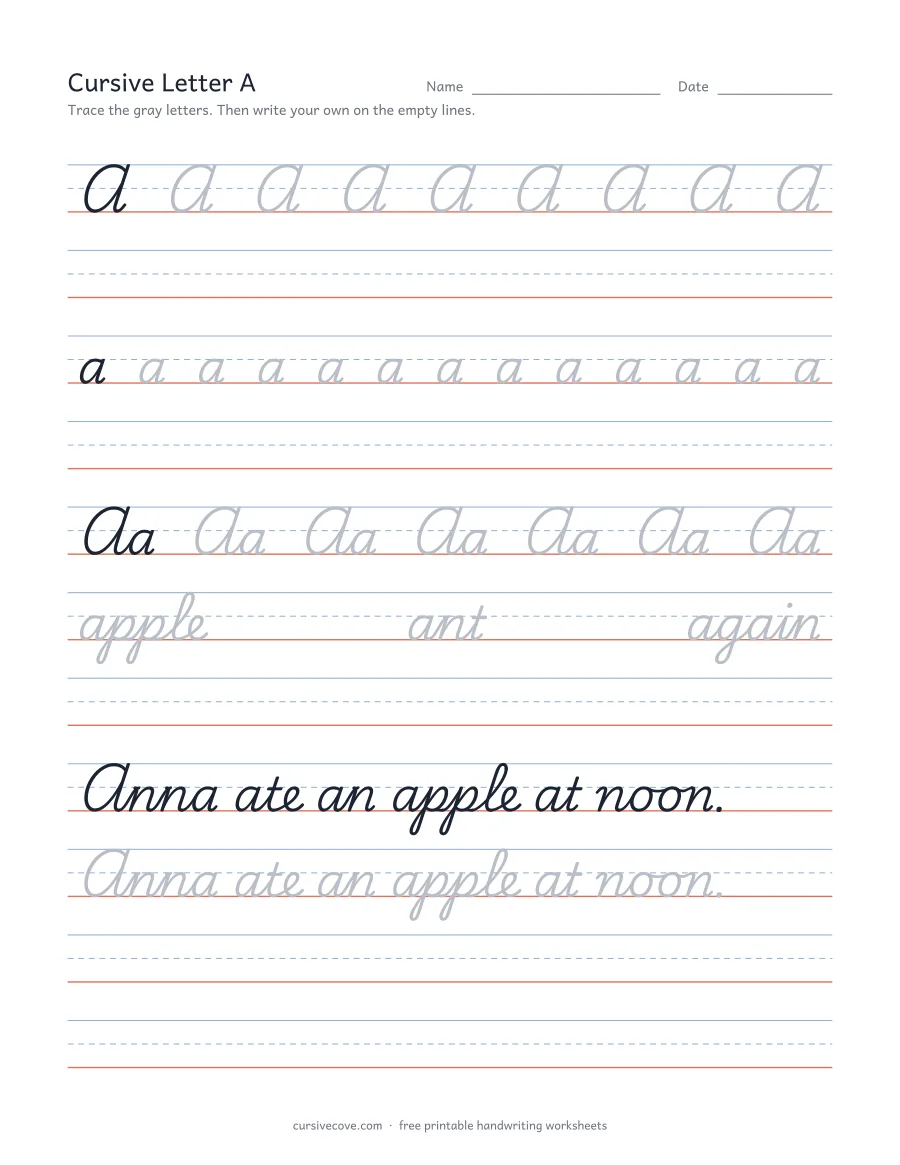
Cursive letters A to Z
Pick a letter to see how to write it in uppercase and lowercase, with a free practice worksheet for each one.


Make a custom worksheet
Handwriting worksheet generator
Type any word, sentence or spelling list. Choose cursive or print, the line size and the tracing style, then download the PDF.
Open the generator →Name tracing generator
Enter a child's name and get a page with a model, tracing rows and empty lines. Works for first names, full names and nicknames.
Make a name sheet →Cursive alphabet chart
All 26 letters in uppercase and lowercase on one page, to hang on the wall or keep in a binder as a reference.
See the alphabet →Popular worksheets
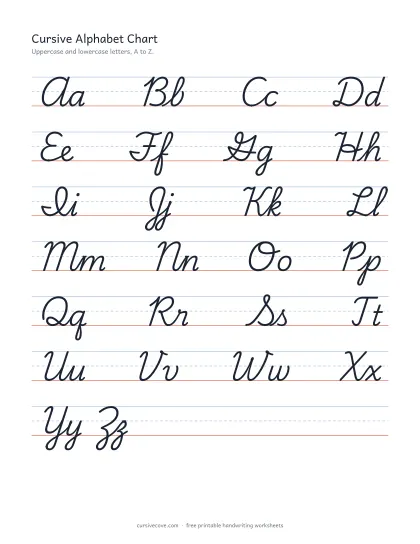
Cursive Worksheets A to Z: Complete Pack
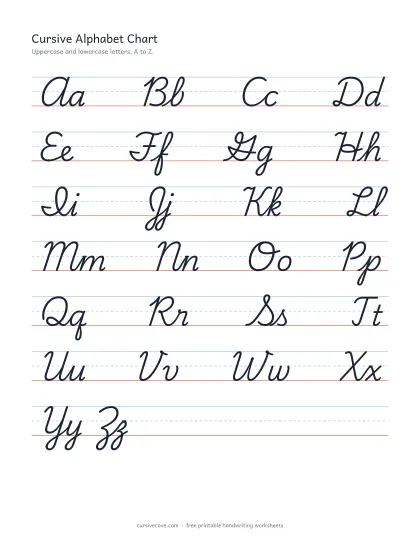
Cursive Alphabet Chart
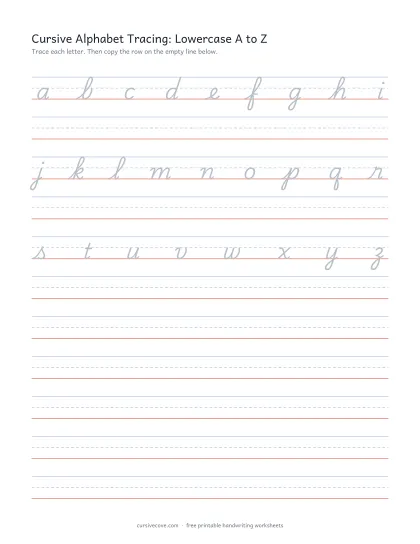
Cursive Lowercase Alphabet Tracing Worksheet
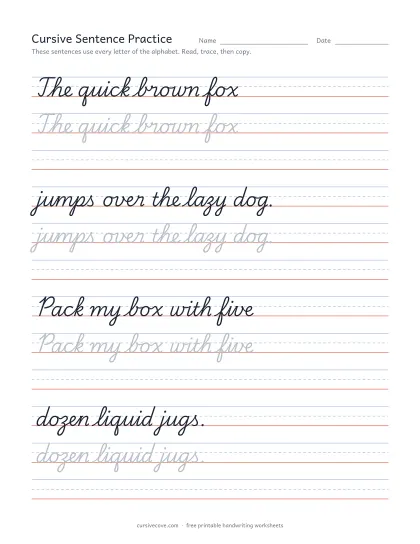
Cursive Sentences Worksheet (Pangrams)
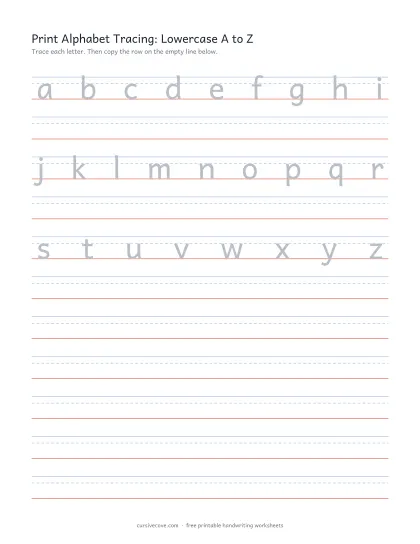
Print Lowercase Alphabet Tracing Worksheet
Handwriting Paper: Medium Lines (Grades 1 to 3)
How to use these worksheets
- Start with single letters. Trace the gray letters slowly, then write the same letter on the empty line below.
- Move to words. Joining letters is the real skill in cursive. Each letter sheet ends with three words and a sentence.
- Keep sessions short. Ten to fifteen minutes a day works better than one long session a week.
- Write real things. Use the generator for spelling words, a name, a grocery list or a favorite quote.
Frequently asked questions
Are the worksheets really free?
Yes. Every worksheet on Cursive Cove is a free PDF. You can download and print it without an account or an email address, for home or classroom use.
What paper size do the worksheets use?
Each worksheet comes in two sizes: US Letter (8.5 × 11 inches) and A4. The main download button gives the US Letter file, and the A4 button gives the A4 file.
Which cursive style do the worksheets teach?
The sheets use traditional American school cursive, with looped ascenders and letters that join. It is close to what most US schools teach, and the generator also offers a simpler modern cursive and print.
At what age should a child start cursive?
Most US schools introduce cursive in second or third grade, around ages 7 to 9, once print handwriting is steady. Older students and adults can start at any time.
Can I make a worksheet with my own words?
Yes. The worksheet generator turns any text into a tracing sheet, and the name tracing generator builds a page from any name. Both create a PDF in your browser.